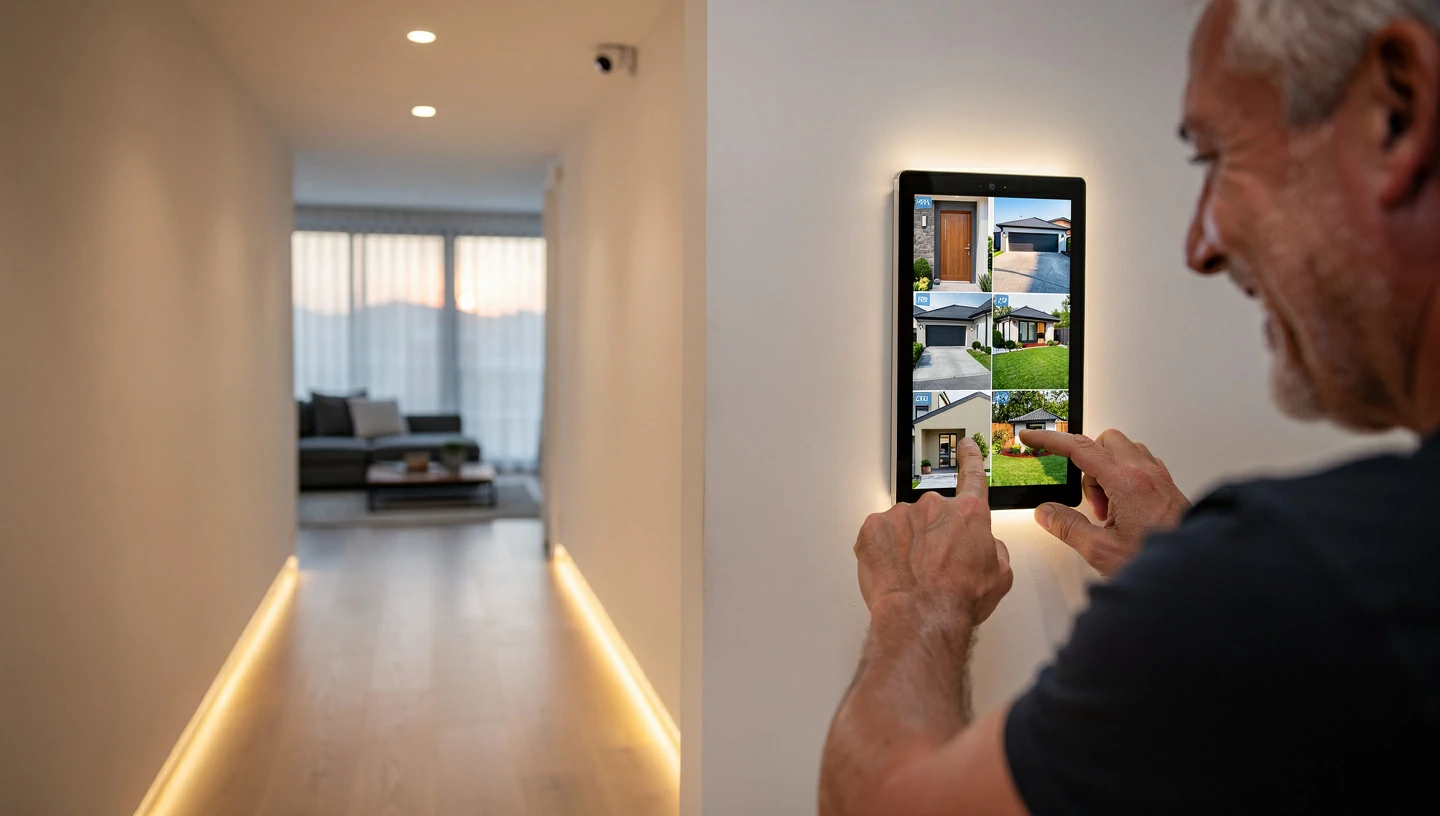
Shopping for home security feels like navigating a minefield of 36-month contracts, pushy salespeople, and hidden cloud storage fees. You just want to protect your home and family without taking out a second mortgage to pay for it. The landscape has drastically changed over the last few years. You no longer have to settle for proprietary equipment that becomes obsolete the moment you cancel your monitoring plan.
The Bottom Line Up Front:
If you want the absolute best overall value and flexibility, SimpliSafe remains the top choice for its easy DIY setup and lack of contracts. For homeowners with higher budgets who want a premium, hands-off setup integrated deep into their smart home, Vivint takes the crown. If you strictly refuse to pay monthly subscription fees, a local-storage setup from Eufy or Reolink is your best financial move.
Expert Insight: “The most expensive system isn’t always the most secure. True home security comes from strategic camera placement, reliable cellular backup, and a system you actually understand how to use—not just a high monthly price tag.”
The New Standard: What Makes a Security System “Worth It” Today?
The days of the local alarm guy drilling holes in your walls and locking you into a three-year agreement are over. Modern smart home retrofitting has changed expectations. To evaluate whether a security system is truly worth your hard-earned money in 2026, you need to look at three key factors.
The Death of the Long-Term Contract
Month-to-month security is the new baseline. Hardware has become affordable enough that companies no longer need to subsidize the cost of your entry sensors with a mandatory 36-month monitoring contract. You should own your equipment outright. If a company requires a multi-year commitment just to access basic app features, walk away.
AI-Powered Threat Detection vs. Standard CCTV
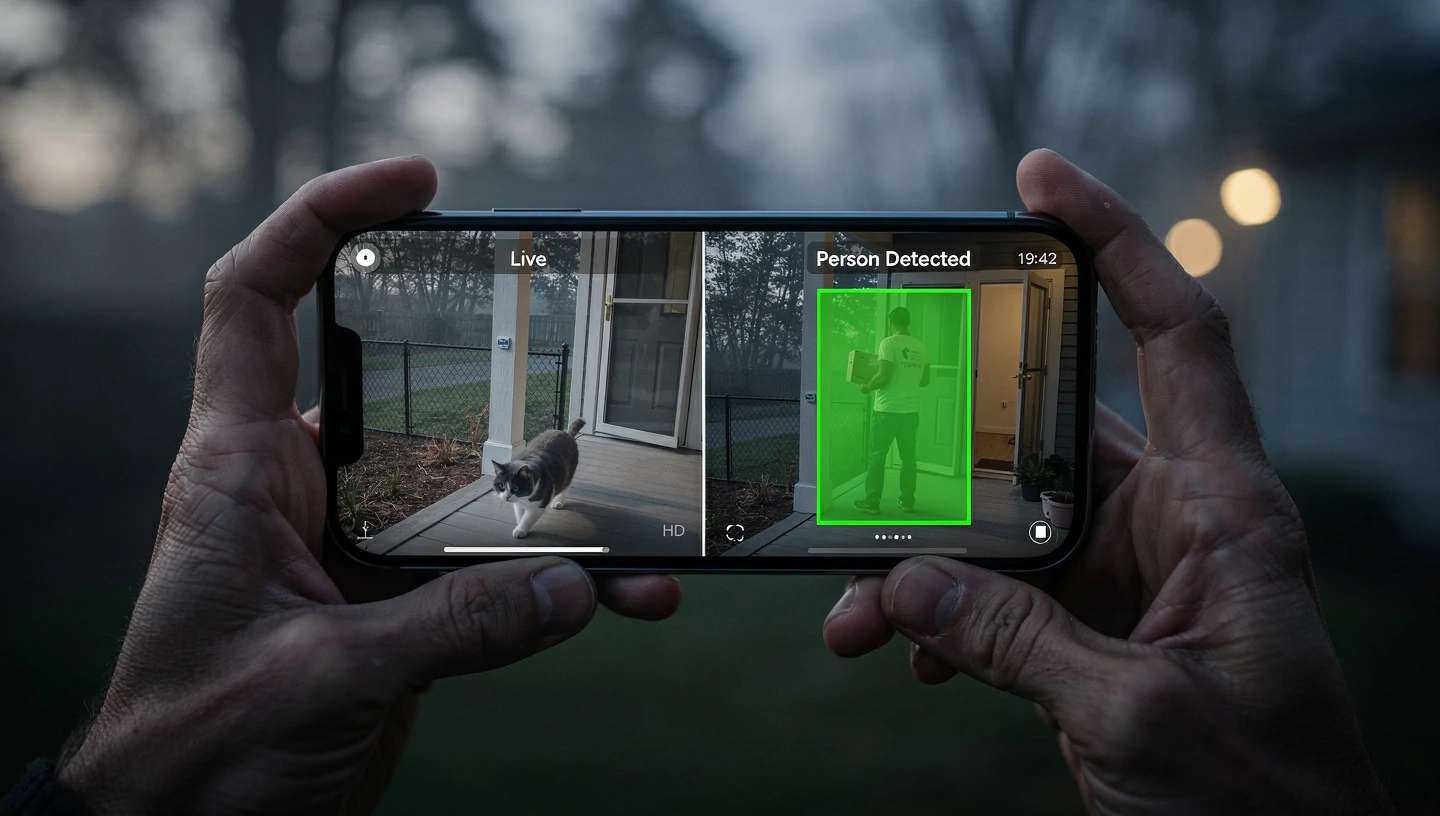
A camera that alerts you every time a neighbor’s cat walks across the driveway is worse than useless; it creates alert fatigue. Modern AI motion detection processes video locally to differentiate between people, packages, animals, and vehicles. This kind of false alarm reduction preserves your peace of mind and ensures that when your phone buzzes, it actually matters.
Ecosystem Agnosticism
Your security system shouldn’t live in isolation. It needs to play nicely with your existing routines. Whether you use Amazon Alexa, Google Nest, or Apple HomeKit, ecosystem compatibility ensures you can arm your system with a voice command or trigger smart lights when an outdoor camera detects motion.
The 5 Best Home Security Systems Ranked by True Value
| Brand | Upfront Cost | Monthly Fee | Installation Type | Best For… |
|---|---|---|---|---|
| SimpliSafe | $$ | $0 – $30 | DIY | Overall value & flexibility |
| Vivint | $40+ | Professional | Premium automation & complex homes | |
| Eufy / Reolink | $$$ | $0 | DIY | Avoiding subscription fees entirely |
| ADT + Google | $$$ | $25 – $45 | Pro or DIY | Traditional reliability with modern tech |
| Abode | $$ | $0 – $25 | DIY | Apple HomeKit & Z-Wave power users |
1. SimpliSafe: Best Overall Value & Month-to-Month Flexibility
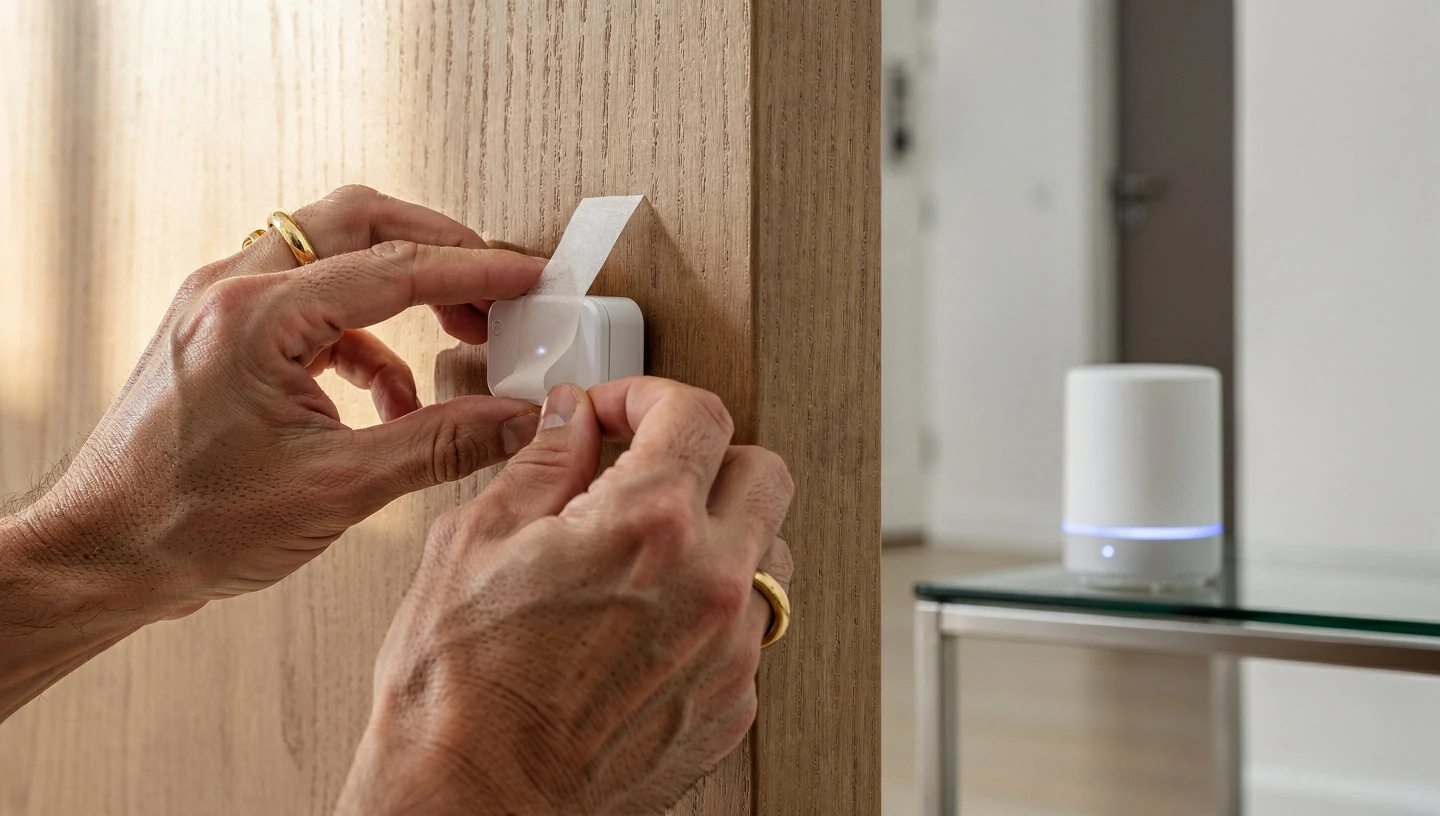
SimpliSafe disrupted the market years ago and still holds the title for the most balanced DIY home security system. You buy the hardware upfront, stick the sensors to your doors, and plug in the base station. There are absolutely no contracts. You can turn professional monitoring on before a vacation and turn it off when you get back.
Pros & Cons
- Pro: Unmatched DIY ease; setup takes under 30 minutes.
- Pro: Highly affordable hardware bundles.
- Pro: Built-in cellular backup keeps the system alive if your Wi-Fi drops.
- Con: Cameras are good, but lack the ultra-premium 4K resolution of higher-end competitors.
- Con: Basic app features require a monitoring plan.
2. Vivint: Best Premium Smart Home Automation
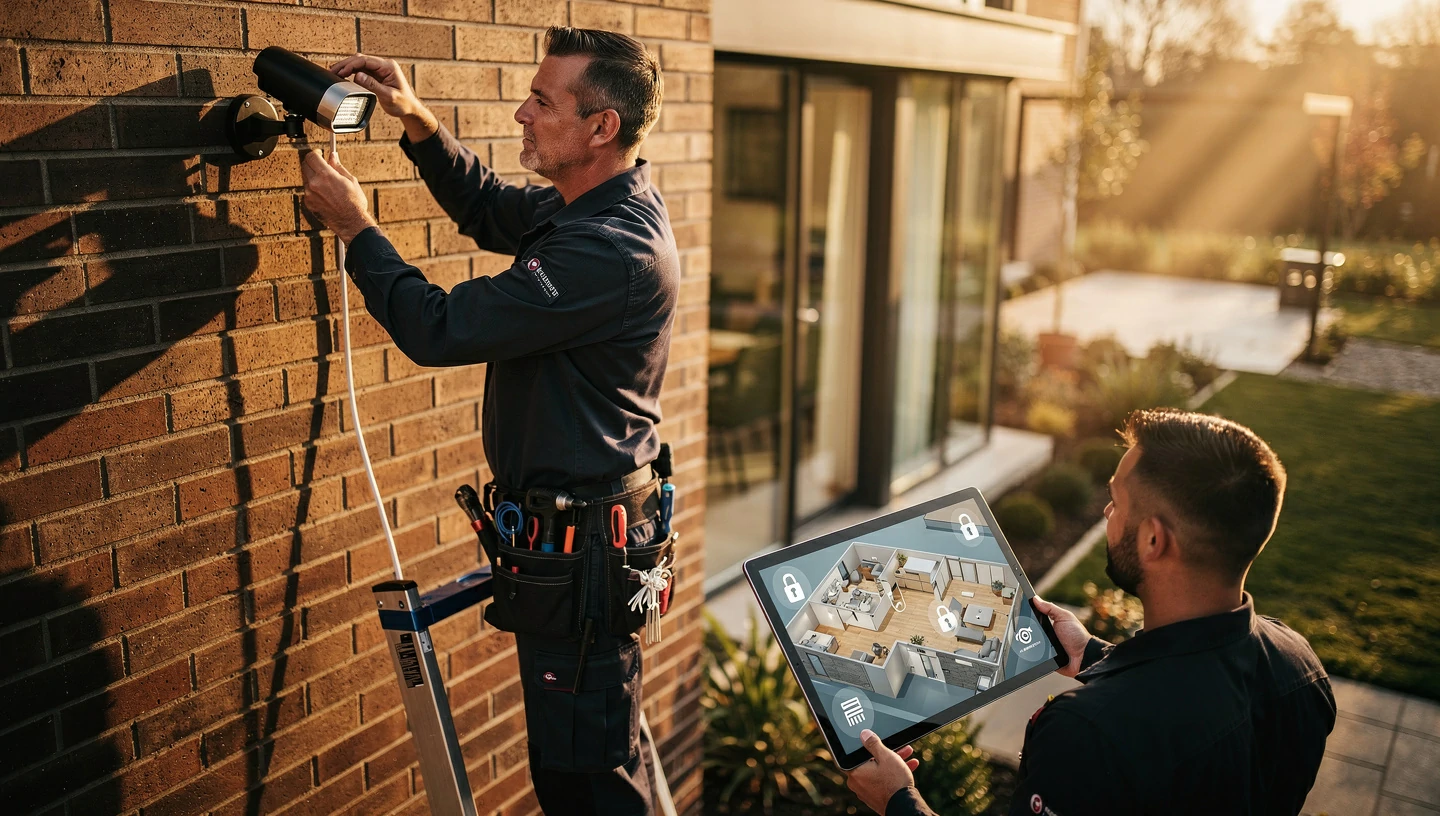
If you have a large property, a complex layout, or just want someone else to handle the ladder work, Vivint is the premium choice. Their professional installers map out your home, hardwire where necessary, and ensure everything communicates flawlessly.
Expert Tip: Paying for professional installation is almost always worth it if you are mounting hardwired floodlight cameras or integrating the security hub with your home’s HVAC thermostat and lighting systems. It saves you days of frustrating troubleshooting.
3. Eufy & Reolink: Best “No Monthly Fee” Options (Local Storage)
Subscription fatigue is real. Paying $15 a month for cloud storage doesn’t sound like much until you realize it costs you $900 over five years. Eufy and Reolink solve this by offering robust local video storage via a central NVR (Network Video Recorder) or HomeBase hub. Your footage stays private, stored right inside your house.
For outdoor wireless setups, both brands offer proprietary solar panel add-ons. This completely eliminates the chore of climbing a ladder every three months to charge camera batteries.
4. ADT (Partnered with Google Nest): Best for Traditional Reliability
ADT brings 150 years of professional monitoring trust to the table. By partnering with Google Nest, they finally solved their outdated hardware problem. You now get ADT’s unmatched emergency response infrastructure paired with the sleek, AI-driven hardware of Google Nest Cams and Nest Doorbells. It’s the perfect middle ground for homeowners who want legacy reliability with 2026 technology.
5. Abode: Best for Apple HomeKit & Z-Wave Enthusiasts
Abode is the darling of the tech-savvy smart home enthusiast. It is one of the few systems that natively supports Apple HomeKit, allowing you to arm your house via Siri or your Apple Watch. It also features Z-Wave compatibility, meaning you can connect hundreds of third-party smart home devices—like automated blinds or water leak sensors—directly to the Abode hub.
4 Costly Mistakes to Avoid When Buying a Smart Security System
1. Ignoring your Wi-Fi upload speeds before buying 4K cameras.
Homeowners often buy a pack of high-res cameras only to find they constantly buffer. High-definition PTZ (Pan-Tilt-Zoom) cameras eat up massive amounts of bandwidth. Before investing, test your upload speeds. If your signal struggles to reach the driveway, upgrading to a mesh Wi-Fi network (like eero or Google Nest Wi-Fi) is a necessary prerequisite for a stable system.
Read more: [How to Eliminate Wi-Fi Dead Zones for Outdoor Smart Cameras]
2. Falling for “free equipment” traps.
If a flyer promises a “free” security system, read the fine print. You are almost certainly signing a legally binding 3-year contract at an inflated monthly monitoring rate. You will end up paying triple the actual cost of the hardware over the life of that contract.
3. Overlooking cellular and battery backup.
A Wi-Fi-only system plugged into a wall outlet is useless during a power outage or if an intruder cuts your internet line. Always ensure your central hub has a 24-hour backup battery and a cellular backup chip to reach emergency dispatchers when the grid goes down.
4. Placing cameras in high-glare or blind-spot zones.
Mounting a camera directly facing the sunrise will blind the lens during critical morning hours. Similarly, placing cameras too high up means you’ll only capture the tops of hats, not faces. Keep cameras 8 to 10 feet off the ground and angled downward.
Pre-Purchase Checklist: How to Audit Your Home’s Security Needs
Before adding a single camera to your cart, walk your property and run through this audit:
- Count your ground-floor entry points: Tally up every accessible door and window. This dictates exactly how many contact sensors you need. (Hint: This is also a great time to check if your deadbolts need upgrading to compatible smart locks like the Yale Assure or Schlage Encode).
- Check Wi-Fi signal strength: Stand where you plan to mount outdoor cameras and run a speed test on your phone.
- Decide on monitoring: Are you comfortable self-monitoring via smartphone alerts, or do you want a 24/7 call center to dispatch police for you?
- Verify ecosystem compatibility: Check the box to ensure the new system speaks the same language as your current smart speakers and displays.
The Verdict: Where Should You Spend Your Money?
If you are a renter on a budget or a homeowner who loves a weekend DIY project, buy SimpliSafe or Eufy. They offer the best financial flexibility and pack up easily if you move.
If you want a premium, hands-off experience where professionals handle the wiring and integrate everything into a seamless smart home dashboard, invest in Vivint or ADT. Ultimately, the best security system is the one that fits your daily routine so naturally that you actually remember to arm it.
Frequently Asked Questions (FAQ)
Do I really need a monthly subscription for a smart home security system?
No. Brands like Eufy, Reolink, and Abode allow you to self-monitor and store video locally without paying a dime in monthly fees. Subscriptions are generally only required if you want professional emergency dispatch or cloud video storage.
Will my wireless security system work if the Wi-Fi or power goes out?
It depends on the system. High-quality hubs (like SimpliSafe and Vivint) feature built-in battery backups that last up to 24 hours, plus cellular backup chips that keep them connected to the monitoring center even without Wi-Fi.
Are AI security cameras actually better than standard motion-sensor cameras?
Yes. Traditional pixel-based motion sensors trigger whenever a tree branch blows in the wind or a car drives by. AI-enabled cameras process the image to identify human shapes, significantly reducing annoying false alarms.
Can a professionally monitored security system lower my homeowners insurance?
Yes. Most major insurance providers offer discounts ranging from 5% to 20% on your premium if you install a security system with active 24/7 professional monitoring. Self-monitored systems rarely qualify for the same discount.
Related Reading:

.webp)
_1_11zon.webp)
 (1).webp)