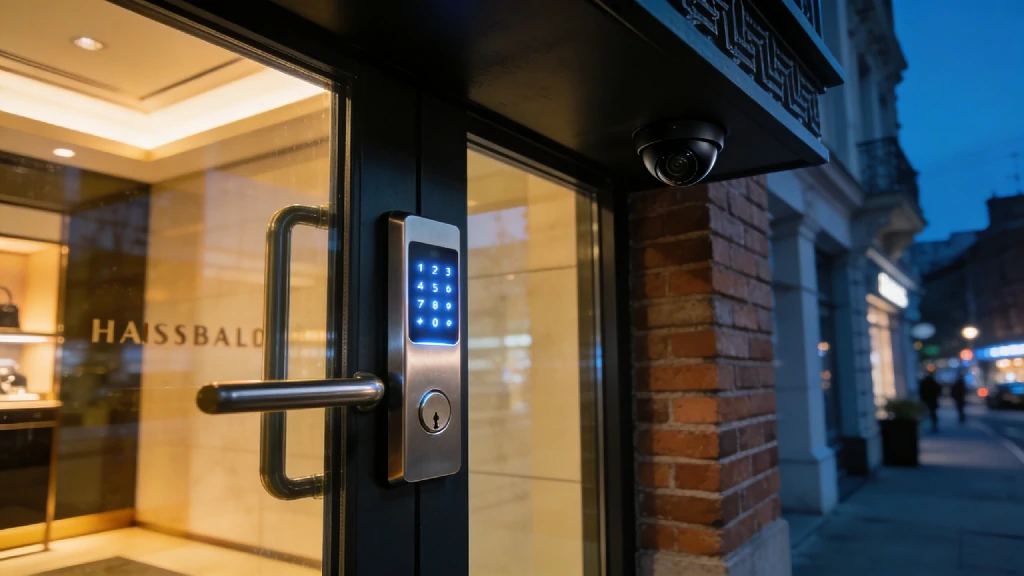
Picture this: It’s 11:00 PM, and you’ve just locked the doors to your storefront after a grueling 14-hour shift. As you pull out of the parking lot, a familiar, sinking feeling hits. Did the back exit lock properly? Did the new hire remember to arm the alarm? For too many small business owners, walking away from their livelihood every night brings a silent wave of anxiety.
A decade ago, enterprise-grade commercial alarm monitoring required a massive IT budget and drilling through cinderblock walls. But the landscape has shifted. The line between high-end smart home automation and commercial security has blurred completely. Today, the robust, AI-powered tech that protects Fortune 500 warehouses is highly accessible and scalable for local coffee shops, boutique retail stores, and small dental practices.
If you’re still relying on a grainy closed-circuit TV system from 2015, you are leaving your most valuable assets exposed. Upgrading to a modern, cloud-based setup isn’t just about catching a thief—it’s about environmental monitoring, liability protection, and even cutting down your monthly energy bills.
Expert Tip: How We Evaluated These Systems
Trusting a system with your business requires more than just reading the box. Our methodology for 2026 focuses heavily on real-world reliability. We evaluated these systems based on emergency response times, cellular backup stability, cloud-recording limitations, and how effortlessly a manager can control employee access permissions.
Top Business Security Systems Compared (At a Glance)
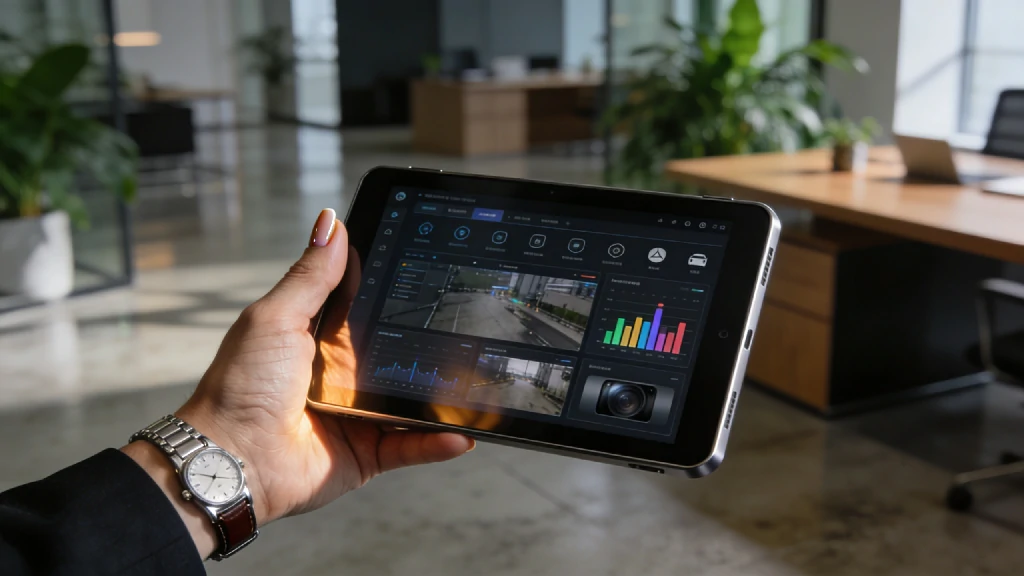
Before we dive into the granular details of each platform, here is a breakdown of the top contenders in the commercial security space for 2026.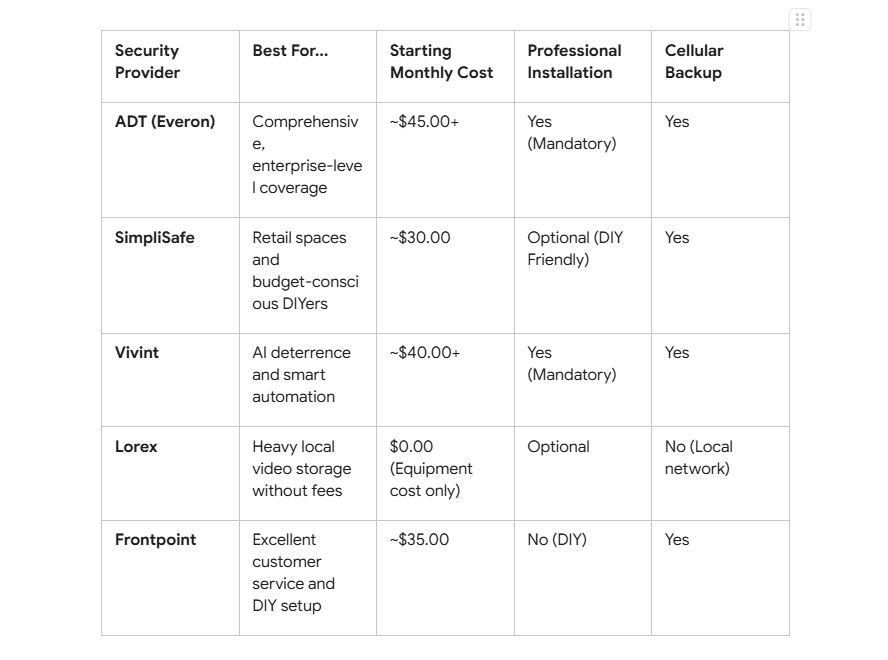 Note: Monthly costs fluctuate based on the specific tiers of professional monitoring and video cloud storage you select.
1. ADT: Best Overall for Comprehensive Coverage
When the stakes are high, experience matters. ADT remains the absolute heavyweight in the security industry, leveraging an unmatched infrastructure of 12 interconnected, redundant monitoring centers across North America. If a localized power grid fails during a storm, another center instantly picks up your business’s monitoring feed without missing a beat.
For businesses with significant square footage, high-value inventory, or strict compliance requirements, ADT’s commercial solutions (often operating under their Everon commercial division) offer a level of ironclad protection that DIY systems simply cannot match. Their 2026 systems integrate advanced AI Deterrence, which uses smart video analytics to identify trespassers and deliver real-time verbal warnings through camera speakers before a break-in even occurs.
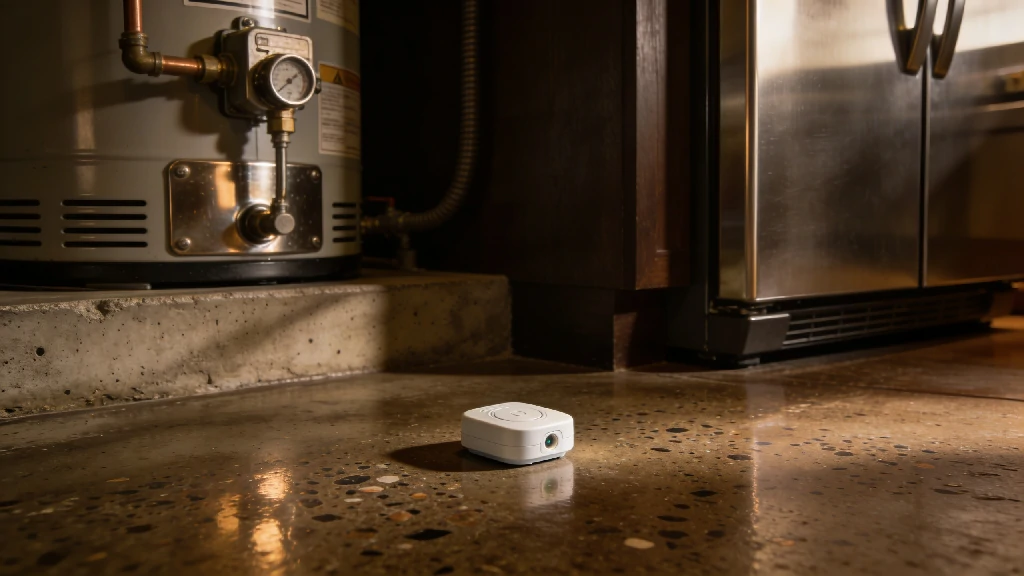
Subtle Upgrade Opportunity: ADT excels at environmental monitoring. Integrating a commercial-grade water-leak sensor near your backroom water heater or commercial refrigerators might seem like an afterthought. However, an unnoticed pipe burst over a long weekend destroys more inventory than the average smash-and-grab burglary.
Pros & Cons of ADT for Business
Pros:
- Lightning-fast emergency dispatch (averaging under 30 seconds).
- Massive variety of hardware, including heavy-duty PTZ (Pan-Tilt-Zoom) cameras.
- Flawless integration with advanced environmental sensors (smoke, heat, flood).
- In-person, professional risk assessment prior to installation.
Cons:
- Requires signing a long-term contract (typically 36 months).
- Mandatory professional installation fees can increase upfront costs.
- Premium video monitoring tiers are relatively expensive.
2. SimpliSafe: Best Budget & DIY Option for Retail
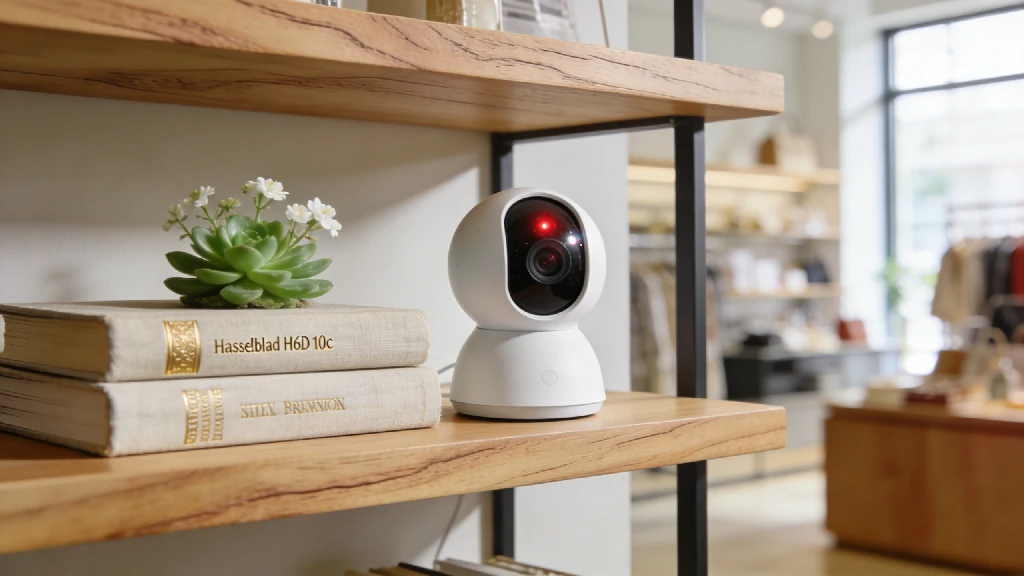
Not every business has the capital to wire a 5,000-square-foot facility. If you run a local boutique, a small independent bakery, or a pop-up shop, SimpliSafe is an incredibly attractive option. SimpliSafe built its reputation on straightforward pricing, no-contract monitoring, and hardware that anyone can set up in under an hour.
Their 2026 business offerings highlight their proprietary “Active Guard Protection” (formerly Live Guard). When an alarm is triggered, professional monitoring agents can instantly access the indoor live video monitoring feed. They can see the intruder, speak directly through the camera to warn them that police are on the way, and provide 911 dispatchers with verified video evidence—which drastically speeds up police response times in jurisdictions that deprioritize unverified alarms.
Because SimpliSafe is entirely wireless, criminals cannot simply snip a phone line or coax cable on the exterior of your building to blind the system.
Pros & Cons of SimpliSafe for Business
Pros:
- Highly affordable hardware and transparent monthly monitoring costs.
- No long-term contracts; you can cancel or pause monitoring anytime.
- True 100% cellular connection (doesn’t rely purely on your store’s Wi-Fi).
- Incredibly simple DIY setup with adhesive mounts for entry sensors.
Cons:
- The base station has a cap of 100 devices (limiting for massive warehouses).
- Hardware feels a bit more “consumer-grade” compared to heavy commercial options.
- Lacks the complex access control features needed for large corporate offices.
3. Vivint: Best for AI & Smart Automation
Vivint sits at the intersection of high-end security and intelligent automation. If your business operates a small fleet of company vehicles parked overnight, or if you want a system that actively discourages crime rather than just recording it, Vivint is top-tier.
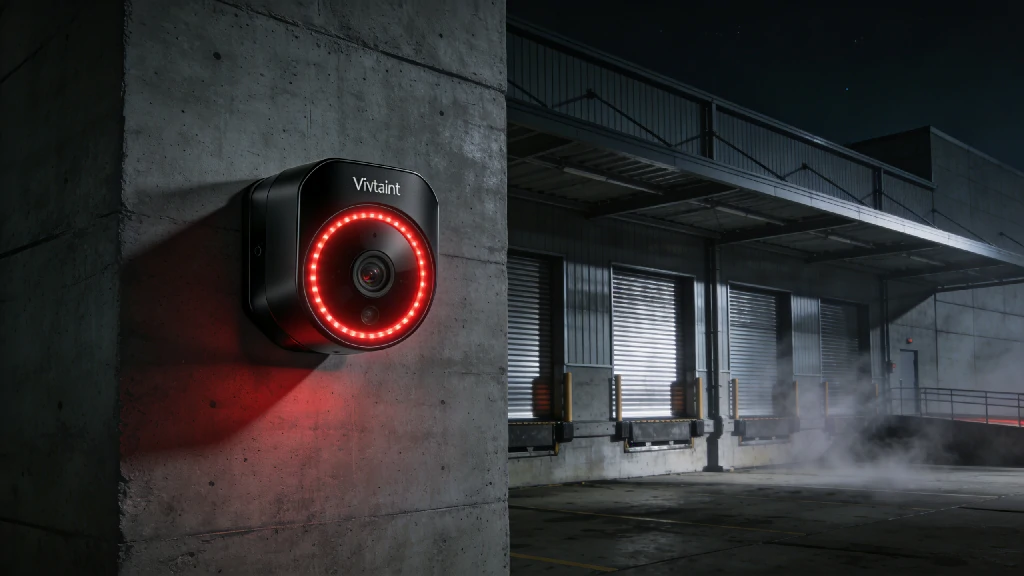
The crown jewel of their system is the Vivint Outdoor Camera Pro, equipped with Smart Deter technology. Using sophisticated AI, the camera establishes a virtual perimeter around your property. If someone lingers near your loading dock for too long after hours, the camera triggers a bright LED ring and plays a customized warning tone, letting the lurker know they are actively being watched.
Vivint also shines in the automation department. You can easily create Home Automation Routines that Save Money—and apply them to your business. For instance, you can link the arming of your security panel to your smart thermostat and lighting. When the last employee arms the system at night, the HVAC automatically drops to an energy-saving temperature and the interior lights shut off, instantly lowering your overhead costs.
Pros & Cons of Vivint for Business
Pros:
- Industry-leading AI deterrence that proactively stops loiterers.
- Seamless integration with smart locks, lighting, and climate control.
- Sleek, modern touchscreen hub that is easy for employees to use.
- Excellent local video storage options via their Smart Drive.
Cons:
- High upfront equipment costs (proprietary hardware is expensive).
- Moving locations incurs a steep re-installation fee.
- Strict reliance on professional installation.
4. Frontpoint & Lorex: Alternatives for Niche Needs
While the big three dominate the market, specialized business models require tailored solutions.
**Frontpoint **is the ideal middle-ground for business owners who want the DIY ease of SimpliSafe but crave the robust, heavy-duty sensors typically associated with ADT. Frontpoint utilizes alarm.com’s backend, making their mobile app incredibly powerful for remote business management. They also boast some of the highest-rated customer service in the DIY sector.
Lorex, on the other hand, is the go-to for hardware-heavy, local video surveillance without mandatory monthly fees. If your primary goal is covering every square inch of a busy retail floor with 4K cameras to prevent employee shrinkage or monitor liability (like slip-and-falls), Lorex is unmatched. They specialize in NVR (Network Video Recorder) systems that store weeks of high-resolution video locally. You pay for the equipment upfront, wire it yourself (or hire a local contractor), and skip the ongoing monthly subscriptions.
Key Factors to Consider When Upgrading Your Business Security
Choosing a system isn’t just about picking the sleekest camera. You need to map the technology to your daily operational friction points.
Professional Monitoring vs. Self-Monitoring
Self-monitoring means alerts go directly to your phone. If you are on an airplane, asleep, or in a meeting, you might miss a break-in notification. Professional monitoring means a dedicated dispatch center receives the alert and contacts the authorities on your behalf. For any business with physical inventory or physical cash, professional monitoring isn’t an option; it’s an absolute necessity. Furthermore, most commercial insurance providers require a certificate of professional monitoring to qualify for premium discounts.
Cloud-Based Video vs. Local DVR/NVR Storage
Cloud-based systems (like SimpliSafe and Frontpoint) upload clips to remote servers. This prevents a burglar from simply smashing your recording hard drive to destroy the evidence. However, cloud systems consume significant internet bandwidth and usually charge monthly storage fees.
Local storage (like Lorex or Vivint’s Smart Drive) keeps the footage on a physical hard drive tucked away in your back office. This allows for continuous 24/7 recording without bogging down your network.
Recommendation: If you opt for heavily cloud-reliant cameras, you must ensure your local network can handle it. Consider upgrading to a robust mesh Wi-Fi 6E/7 router system. This ensures your 4K security footage uploads smoothly without throttling the guest Wi-Fi you offer to your customers.
Smart Access Control & Employee Management
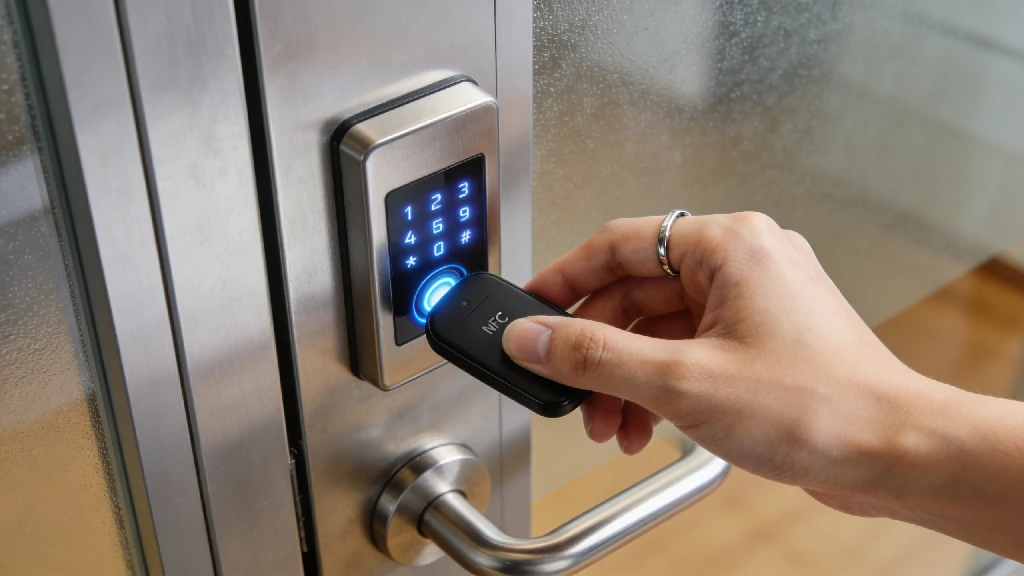
Managing physical metal keys is a security nightmare. When an employee quits or loses a key, you are faced with the costly chore of calling a locksmith to re-key the physical doors.
Transitioning to commercial access control—utilizing smart locks with individual PIN codes or NFC key fobs—solves this instantly. You can assign temporary codes to morning delivery drivers and restrict employee access to specific hours. When someone leaves the company, you simply delete their profile in the app. Be sure to check our dedicated Smart Home Security & Access Control hub for a deep dive into the best commercial-grade smart locks.
3 Security Mistakes Small Businesses Make in 2026
Even with the best hardware on the market, poor implementation can leave your business wide open. Avoid these critical errors:
1. Ignoring Cybersecurity and Network Segmentation
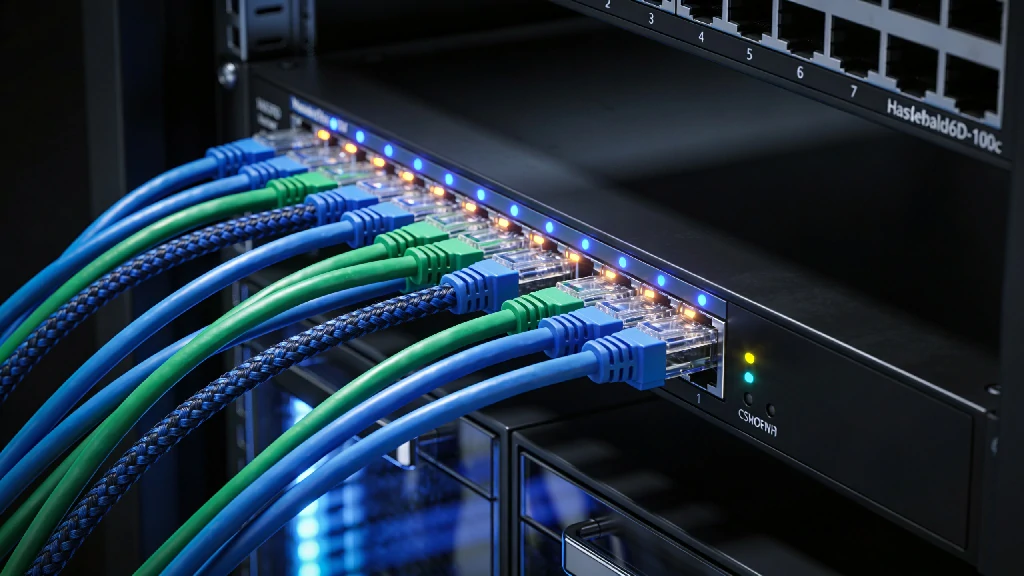
If your IP security cameras run on the exact same Wi-Fi network as your Point of Sale (POS) system, you are creating a massive vulnerability. Hackers frequently use poorly secured IoT (Internet of Things) devices like smart cameras to pivot into the main network and steal credit card data. Always use network segmentation—set up a dedicated, isolated VLAN specifically for your security hardware.
2. Skipping Environmental Monitoring
Burglary is terrifying, but water and fire are statistically far more likely to bankrupt a small business. Neglecting to install monitored smoke, carbon monoxide, and temperature/water sensors is a massive oversight. A simple freeze sensor in a restaurant’s walk-in freezer can prevent thousands of dollars in spoiled inventory if the compressor dies overnight.
3. Treating Security as a Sunk Cost
Stop viewing your security system as a grudge purchase. Modern platforms are powerful ROI drivers. Video surveillance reduces inventory shrinkage and protects against fraudulent slip-and-fall lawsuits. Automation features slash utility bills.
**Expert Insight: **“The biggest point of failure we see in commercial setups is a total reliance on grid power and local internet. If a thief cuts the coaxial cable on the side of your building, a Wi-Fi-only system goes completely blind. You absolutely must ensure your system has a built-in cellular backup and a 24-hour battery reserve. If the Wi-Fi drops, the cellular chip takes over seamlessly.” — Lead Security Architect, Smart Home Optimization
Speaking of power failures, to ensure the longevity of your base stations and NVR hard drives, always plug your central security hardware into an Uninterruptible Power Supply (UPS). You can learn more in our guide on Protecting Your Tech from Power Surges.
How to Audit Your Own Business (A 5-Minute Checklist)
Ready to secure your storefront? Take five minutes before you lock up today to run through this practical site audit.
The Perimeter & Access Checklist
- Lighting: Are the alleyways, back entrances, and loading docks brightly illuminated? (Pro tip: Linking your alarm system to smart exterior floodlights creates a formidable, highly visible perimeter).
- Sightlines: Are your window displays blocking the view from the street? Police cruisers need a clear line of sight into the store at night.
- Glass Integrity: Are all ground-floor windows and glass doors covered by acoustic glass-break sensors? (Motion sensors won’t trigger if a thief simply reaches through a broken window to grab an item).
- Hardware Maintenance: Are exterior camera lenses clean and free of spider webs? (Check our guide on Preventive Maintenance for Smart Cameras for optimal cleaning schedules).
- Access Audit: Do you know exactly who holds physical keys or active PIN codes to the building right now?
- Network Health: Have you changed the default manufacturer passwords on all your security cameras and base stations?
Frequently Asked Questions
Do I need professional installation for a small business security system?
It depends entirely on the size and complexity of your operation. A small, 800-square-foot boutique or home office can easily utilize a DIY system like SimpliSafe. However, if you are outfitting a large warehouse with high ceilings, complex fire code requirements, and heavy commercial doors, you absolutely need the white-glove professional installation provided by ADT or Vivint.
Can I use a smart home security system for my business?
You can, but proceed with caution. The technology crossover is seamless, but the legalities are not. Local commercial fire codes and commercial insurance policies often mandate that your hardware meets specific commercial-grade certifications (like UL-listed fire monitoring). Always verify with your insurance agent before slapping a residential system into a commercial space.
How much does a commercial security system cost monthly?
In 2026, realistic monthly monitoring costs range from $30 on the low end (for basic cellular monitoring via DIY brands) up to $100+ for enterprise systems featuring 24/7 continuous cloud video recording, advanced AI analytics, and multi-location management.
What happens if the power or Wi-Fi goes out?
Top-tier systems are designed to survive grid failures. The base station contains a backup battery that typically lasts 24 hours. Simultaneously, a “cellular backup” module instantly kicks in. This module operates on networks like AT&T or Verizon, ensuring your alarm signals still reach the dispatch center even if your local internet service provider is down.
.webp)
.webp)
.webp)
.webp)