
Picture this: It’s 11:30 PM. You’re standing in your dark kitchen, exhausted, shouting at a plastic cylinder to turn off the overhead lights. The voice assistant confidently replies, “I’m sorry, I don’t understand that command.” Frustrated, you pull out your phone, toggle through three different apps, and manually switch off the lights. At that exact moment, you have to ask yourself: Are smart homes actually making life better, or just adding unnecessary steps to my day?
Contrast that with a different morning scenario. You wake up at 7:00 AM. Your home’s AI has already analyzed your local weather and your schedule. The thermostat bumped up two degrees an hour before you woke, the blackout blinds silently roll open, and the coffee machine is finishing its brew. You haven’t touched a single app or spoken a single command.
The reality of home automation in 2026 is that it completely depends on how your ecosystem is built. We’ve officially moved past the era of gimmicky gadgets and Wi-Fi party tricks. The industry is currently shifting toward adaptive automation—systems that learn your habits and run quietly in the background. But getting to that frictionless state requires navigating a minefield of incompatible protocols, app fatigue, and network bottlenecks.
Let’s strip away the marketing hype and look at the realistic pros, the undeniable cons, and how to build a system that actually serves you instead of frustrating you.
The Reality of Smart Home Tech: Expectation vs. Reality
If you bought into the smart home craze a few years ago, you likely experienced the massive gap between what commercials promised and what the hardware delivered. Early home automation required constant micromanagement.
Today, the landscape is shifting from reactive commands to predictive systems. Here is a look at how those early expectations are finally aligning with reality in 2026.
| The Expectation | The Old Reality (Pre-2024) | The 2026 Solution |
|---|---|---|
| ”Devices anticipate my needs.” | Required programming complex, rigid If/Then routines that broke if your schedule changed. | AI Predictive Automation natively learns household behavior and adjusts environmental settings on the fly. |
| ”Everything works together.” | Buying specific brands that only worked with Amazon, Apple, or Google, locking you into one walled garden. | The Matter 1.5 Protocol allows devices to communicate across platforms seamlessly via Thread mesh networks. |
| ”It saves me money.” | Minimal savings. Smart thermostats offered basic scheduling but couldn’t read grid prices. | Integration with Time-of-Use (TOU) pricing, dynamically shifting heavy electrical loads to off-peak hours. |
| ”It’s effortless." | "App fatigue.” Needing 8 separate applications to manage lighting, security, and climate. | Unified local control. Thread border routers process commands instantly without bouncing to the cloud. |
4 Ways a Smart Home Genuinely Makes Life Better
When deployed correctly, a smart home stops being a toy and becomes an invisible utility. The best integrations are the ones you forget are even there. Focusing on cost-awareness and real-world efficiency over luxury, here are the practical benefits.
Predictive Energy Efficiency & Cost Reduction
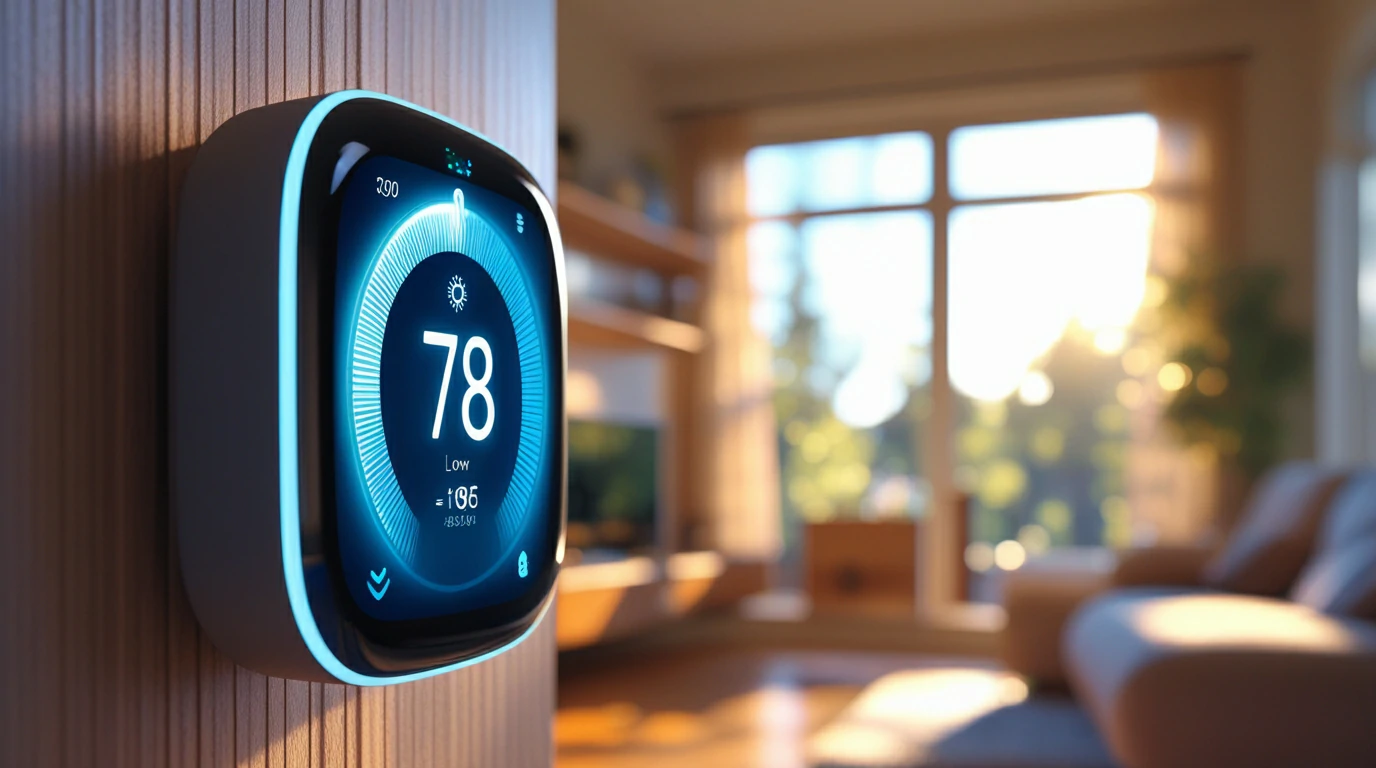
The most undeniable benefit of smart home technology in 2026 is its impact on utility bills. Modern smart panels (like those from Span or Leviton) and smart thermostats no longer just run on basic timers. They communicate directly with your utility provider.
If your household is on a Time-of-Use (TOU) pricing plan, electricity is cheaper during off-peak hours. A predictive energy system will automatically pre-cool or pre-heat your home before peak pricing hits. It will also intelligently route power to high-load appliances—like your HVAC system, water heater, or EV charger—when rates drop. This active energy management can reduce monthly bills by 15% to 25% without you lifting a finger.
Adaptive Automation (No More Manual Scheduling)
We are saying goodbye to the tedious process of writing complex automation scripts. The latest smart home hubs utilize ambient sensing and AI to adjust to your life natively.
Instead of setting your living room lights to turn on precisely at 6:00 PM, adaptive automation relies on motion, presence, and ambient light sensors. If you walk into a room on a cloudy Tuesday at 4:00 PM, the system knows to blend artificial light with the natural light available. It adjusts the color temperature of your bulbs to match the time of day, easing eye strain and syncing with your circadian rhythm.
Enhanced Security & Peace of Mind
Smart home security has evolved far beyond your phone buzzing every time a squirrel runs across your driveway. Intelligent threat detection now uses localized AI to distinguish between a package delivery, your dog, a familiar face, and an unknown vehicle.
Furthermore, automated routines simulate occupancy when you are out of town. Smart blinds open and close, and lights turn on organically in different rooms, mimicking human behavior rather than running on an obvious, predictable loop.
Improved Accessibility for Aging in Place
For the elderly or mobility-impaired, a smart home is life-changing. It provides a level of independence that wasn’t possible a decade ago.
Voice controls eliminate the need to navigate poorly lit hallways at night to flip a switch. Automated door locks grant access to caregivers without hiding a physical key outside. Intelligent medication reminders and non-intrusive motion sensors can alert family members if there hasn’t been movement in the kitchen or bathroom by a certain time of day, offering crucial peace of mind.
The “Complicated” Side: Why Smart Homes Become Frustrating
Despite the advancements, building a smart home can still be a deeply frustrating endeavor. The technology is marketed as plug-and-play, but the reality often requires patience and troubleshooting.
App Fatigue and Fragmented Ecosystems
There is nothing “smart” about having to unlock your phone, find an app, wait for it to load, and tap a screen just to dim a lightbulb. This is known as app fatigue.
Homeowners often buy a video doorbell from one brand, smart bulbs from another, and a thermostat from a third. Because these manufacturers historically used proprietary software, you end up juggling half a dozen apps. Trying to get these isolated gadgets to communicate with a central voice assistant often results in lagging response times or outright failure.
The Wi-Fi Dependency and Power Outage Trap
What happens when your internet goes down? For poorly designed smart homes, everything stops working.
If your devices rely on cloud servers to process simple commands, a dropped internet connection means you suddenly can’t turn on your kitchen lights. Relying entirely on Wi-Fi for dozens of smart devices also congests your router bandwidth. This leads to dropped Zoom calls and agonizingly slow streaming speeds, simply because your smart plugs are fighting for network priority.
Privacy, Cybersecurity, and Update Fatigue
Connecting the locks on your front door and cameras inside your living room to the internet inherently introduces risk. Cybersecurity anxiety is a valid concern for homeowners.
There is also the headache of constant firmware updates. You might wake up to find your automated morning routine is completely broken because a third-party app pushed a software update overnight that severed its integration with your central hub.
Mistake to Avoid: Buying cheap, generic Wi-Fi devices off the internet is the #1 beginner mistake. These gadgets crowd your 2.4GHz network, drag down your internet speed, and frequently phone home to unverified foreign servers, posing a massive security risk. Always look for local-control protocols instead of Wi-Fi reliance.
How the “Matter” Protocol is Killing Smart Home Complexity
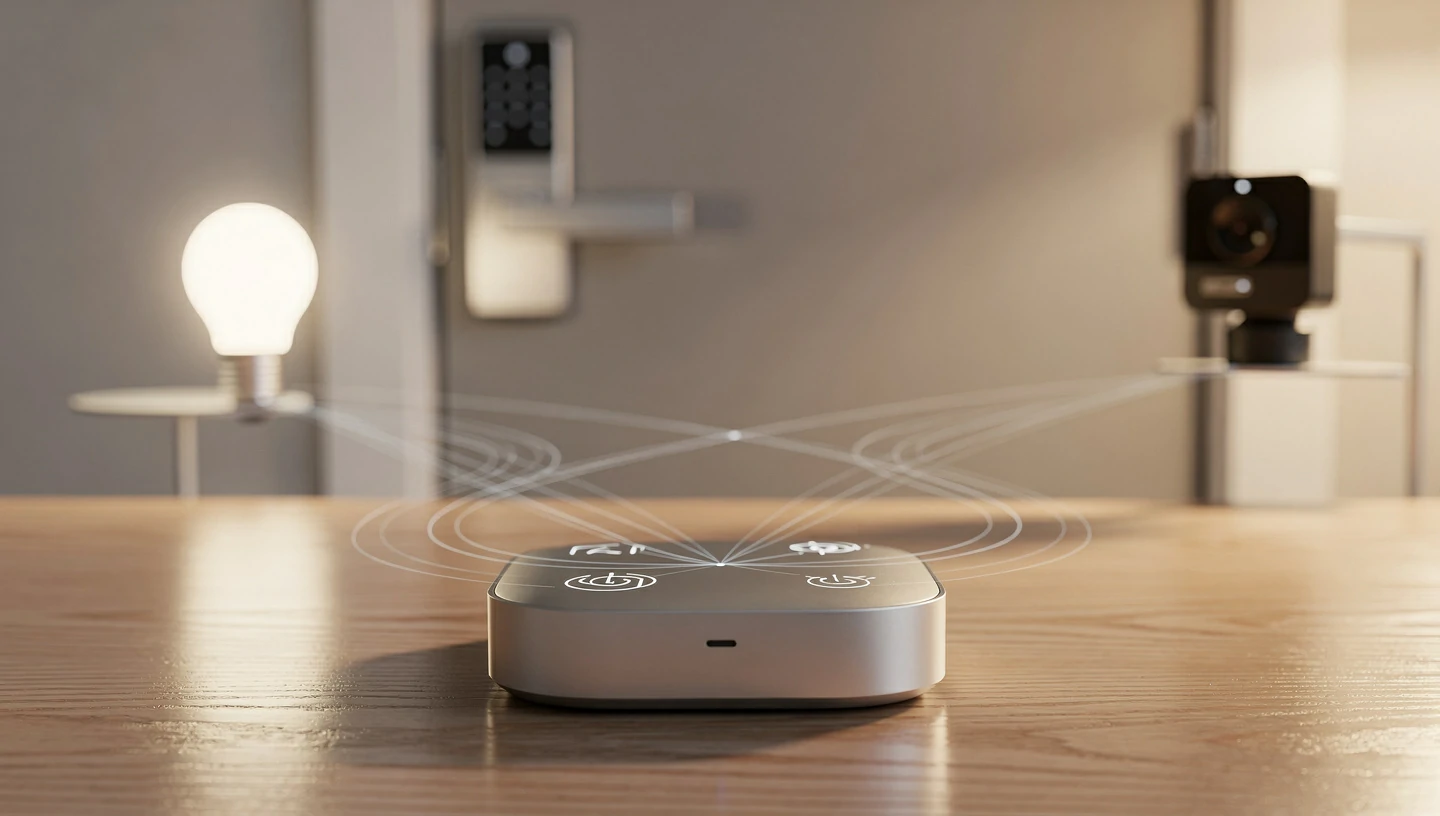
If you are thinking about upgrading your home or starting fresh, you need to understand the Matter protocol and Thread networks. Released in late 2022 and reaching maturity with version 1.5 in 2026, Matter is the unified standard that the entire industry (Apple, Google, Amazon, Samsung) finally agreed upon.
“Matter fundamentally changes home automation because it prioritizes local control. Devices communicate directly with each other over a low-power Thread mesh network instead of bouncing data to a cloud server hundreds of miles away. It’s faster, incredibly reliable, and finally means your Apple Home app can flawlessly control a Google Nest thermostat without any complex workarounds.”— Smart Home Integrator & Tech Expert
By utilizing Thread—a low-power mesh network that builds a resilient, self-healing web across your devices—your smart home stays functional even if your internet goes offline.
How to Build a Simple, Frustration-Free Smart Home

You don’t need an engineering degree to build a reliable smart home. You just need a solid foundation and a strict set of rules. Follow this step-by-step checklist to avoid the usual headaches.
Your Setup Checklist:
- Upgrade the Foundation: Your smart home is only as strong as its network. Invest in a high-quality Mesh Wi-Fi 6 or Wi-Fi 7 system before buying smart devices. A stable foundation is non-negotiable.
- Choose an Ecosystem: Commit to one primary controller (Apple Home, Google Home, Amazon Alexa, or Home Assistant for power users). Mixing controllers creates chaos.
- Look for the Matter Badge: Future-proof your investments. Only buy new locks, lights, and sensors that carry the Matter certification logo to ensure they work locally and securely.
- Set Up Guest Networks: Isolate your smart home gadgets from your personal data. Put all IoT devices on a dedicated guest network so that if a smart bulb gets compromised, hackers cannot access your laptop or banking info.
- Keep the Physical Switch: Never remove your ability to physically control your home. Install smart wall switches rather than relying purely on smart bulbs. If the network crashes or a guest visits, flipping the wall switch should always turn the lights on.
The Final Verdict: Is It Worth the Hassle?
So, do smart homes actually make life better? Yes—but only if you prioritize function over flash.
The Pros:
- Passive energy savings through intelligent TOU optimization.
- Reliable, instant control via Matter and Thread networks.
- Enhanced security and proactive monitoring for your property.
- Massive accessibility benefits for aging family members.
The Cons:
- High initial investment for quality, unified hardware.
- A steep learning curve when setting up network infrastructure.
- Troubleshooting network drops if you rely too heavily on Wi-Fi instead of local mesh protocols.
Smart homes genuinely improve your quality of life when they are designed as unified, background systems. If you treat home automation like an invisible utility rather than a collection of disjointed parlor tricks, the convenience absolutely outweighs the complexity.
6. Frequently Asked Questions
Do smart homes actually save you money on energy bills?
Yes. While smart plugs offer minimal savings, installing a smart thermostat and smart electrical panel can reduce heating and cooling costs by 15% to 25%. They achieve this by learning your schedule and avoiding high-demand grid pricing during peak hours.
What happens to my smart home if the internet goes down?
If you rely on cheap, cloud-dependent Wi-Fi devices, they will stop working. However, if your home utilizes local-control protocols like Z-Wave, Zigbee, or Matter over Thread, your automated routines, lights, and locks will continue to function flawlessly without an active internet connection.
Can my smart home be hacked?
Any device connected to the internet carries risk. To protect your home, always enable Two-Factor Authentication (2FA) on your central hub accounts, avoid reusing passwords, and place all smart devices on an isolated “Guest Network” separate from your personal computers and phones.
Are smart homes a turn-off for homebuyers?
Integrated, invisible tech (like smart thermostats, automated blinds, and hardwired security cameras) increases real estate appeal. However, highly customized, complex DIY setups that require a massive handover manual can intimidate buyers. Keep the core functionality tied to physical switches to maintain broad appeal.
Related Reading:
_17_11zon.webp)


.webp)
.webp)